

01
A close-up performance format
Use a compact room, desk, microphone, instrument and warm practical lights to create the feeling of a private live session. Write the visual details you want instead of relying on a brand name alone.
Create your Tiny Desk AI moment
Create an original desk-concert style clip from a prompt or portrait. Set your performer, instruments and camera movement, then check the credit quote before generating.
This is an independent SnapGen AI creative tool. It is not affiliated with NPR, Tiny Desk or tinydeskai.org.
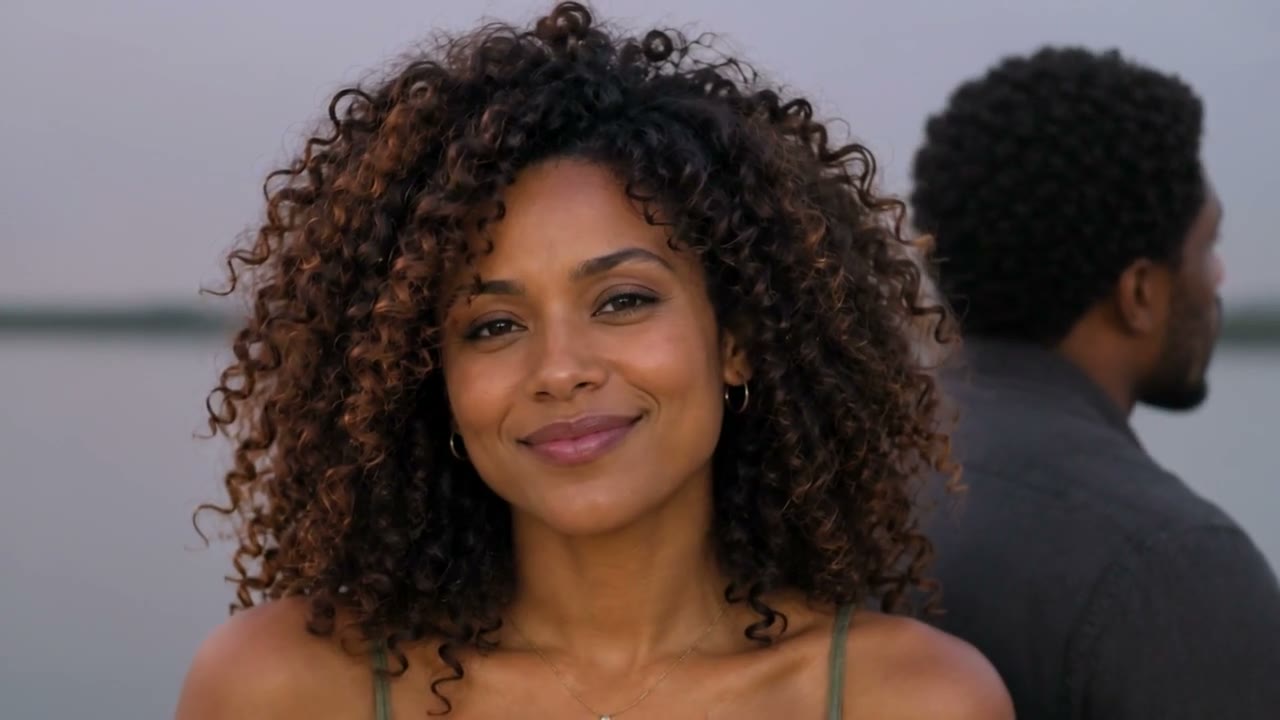
Tiny Desk AI usually refers to AI-generated videos inspired by the intimate desk-concert format: a small performance space, a close camera, a visible performer and a live-session feeling. It can describe a creative style or a dedicated tool, so check the service name before signing in or paying. This SnapGen AI page helps you create an original desk-concert style clip from your own idea or portrait.
Use a compact room, desk, microphone, instrument and warm practical lights to create the feeling of a private live session. Write the visual details you want instead of relying on a brand name alone.
Start with a text prompt for a fictional performer and scene, or upload a portrait you have permission to use. The selected model and input mode determine the available duration, aspect ratio and reference-image options.
Do not use NPR or Tiny Desk logos, official music, celebrity likenesses or recordings you do not control. Label shared AI footage clearly and review the terms of the model and music you choose.
A focused one-shot prompt gives the model fewer competing instructions. Begin with the performer and setting, then add performance action, camera behavior, lighting and output format.
Describe the subject, instrument, desk, room and mood. If you upload a portrait, use a clear face with even light and enough space around the shoulders. Only upload a person who has agreed to appear.
Add one main action such as singing into a microphone, playing keys or leaning toward the camera. Specify a slow push-in, locked medium shot or gentle handheld movement. Avoid asking for several scene changes in one short clip.
Select a vertical ratio for Shorts, Reels or TikTok, review the model settings and check the credit quote. Inspect faces, hands, instruments and lip sync after rendering. Change one detail at a time for the next attempt.
Use these as starting points. Each button fills the generator above without submitting a paid task. Replace the performer and song idea with original details.
An original singer-songwriter performs an intimate acoustic verse at a small wooden desk in a cozy apartment studio. One vintage microphone, notebook and guitar, warm lamp light, close medium shot, slow camera push-in, natural hand movement, realistic live-session energy, vertical 9:16, one continuous take, no logos, no text.
A fictional electronic musician plays a compact keyboard behind a cluttered creative desk, softly singing into a side-address microphone. Blue and amber practical lights, shallow depth of field, gentle handheld camera, expressive fingers, believable mouth movement, intimate documentary concert mood, vertical video, one continuous shot.
An original three-person indie band performs in a tiny office around a desk: vocalist at the microphone, guitarist seated left, drummer in the background. Warm overhead bulbs, tight wide shot, subtle head nods and instrument motion, camera slowly pans across the room, authentic small-room session, vertical 9:16, no brand marks.
The strongest results come from clear inputs and a simple shot. Use the guide below when building a multi-person or image-to-video concept.
Use your own photo or an adult who agreed to the project. Avoid group photos, sunglasses, hidden eyes, heavy filters and low light. Keep one person per reference image when possible.
Name a few stable objects such as a wood desk, microphone, headphones, notebook or keyboard. Too many props compete with the performer and can change between frames.
Ask for a single continuous take, subtle movement, natural breathing and a close documentary camera. Short clips are easier to review than a prompt that demands a full concert edit.
These SnapGen AI options support short text-to-video and image-to-video clips. All offer audio support, but specific lyrics, precise lip sync and musical accuracy are not guaranteed. The generator shows the settings and quote for your request.
| Model | Duration | Resolution options | Audio |
|---|---|---|---|
| Seedance 2.0 | 4s–15s | 480p / 720p / 1080p / 4k | Supported |
| Seedance 2.0 Fast | 4s–15s | 480p / 720p | Supported |
| Veo 3.1 Fast | 4s / 6s / 8s | 720p / 1080p / 4k | Supported |
Durations below apply to standard text or single-image requests. Multi-image Veo 3.1 Fast requests use 8 seconds. Availability changes with input mode; use the generator settings for your request.
SnapGen AI uses per-generation credits. Your quote depends on the model and selected settings. Check the live total above before submitting. Sign-in and enough credits are required; previewing the form does not create a video.
Signed-in users can claim daily check-in rewards of 8, 8, 8, 12, 8, 8 and 12 credits across the seven-day cycle. Rewards are limited and do not promise unlimited access to every model or setting.
Confirmed failed or canceled tasks return their generation credits. A completed result you dislike is not automatically a failed task. See the full pricing page for current plans and billing terms.
View current plansAnswers for creating an original AI desk-concert style video safely and clearly.
It is an AI-generated performance clip inspired by an intimate desk-concert format: a small room, close camera, visible performer and live-session mood. The phrase can describe a style or a separate service, so verify the site you are using.
No. This is an independent SnapGen AI page and is not affiliated with NPR, Tiny Desk or tinydeskai.org. Do not imply official sponsorship or use their logos in your prompt or published video.
Yes. Choose image-to-video in the Hero and upload a clear portrait you have permission to use. Describe the performance and camera movement. Likeness, hands and lip sync can vary during motion.
Include the performer, instrument, desk or room, lighting, performance action, camera movement, mood and output ratio. Ask for one continuous take and avoid stuffing several scene changes into a short clip.
This SnapGen AI generator creates individual AI video clips. It does not automatically cast five fixed positions or assemble a complete multi-shot concert. You can create separate clips and combine them in an editor, subject to your model settings and credits.
Free access depends on the service and model. SnapGen AI has daily check-in rewards for signed-in users, while each generation uses a quoted number of credits. Check the live quote and current pricing before submitting.
Only use music, portraits, names, logos and recordings you have permission to use. A model prompt does not grant rights. For commercial publishing, review the applicable service, model, music and publicity terms.
Use a small room, warm practical lights, a visible microphone or instrument, subtle natural movement, a close documentary camera and one continuous take. Keep the prompt focused on one performance moment.
We reviewed the public workflow at tinydeskai.org on November 11, 2026. That reference uses a fixed concert template; this page offers a prompt-based clip workflow. Model specifications come from SnapGen AI settings. We have not tested the reference service or compared output quality.
Start with one performer, one instrument and one camera move.
Open the generatorProduct information maintained by SnapGen AI Team · Last reviewed
This review covers the product descriptions, configured model options and help content on this page. Available settings and credit quotes are shown in the generator before submission.
Report an error or contact support